Create your room
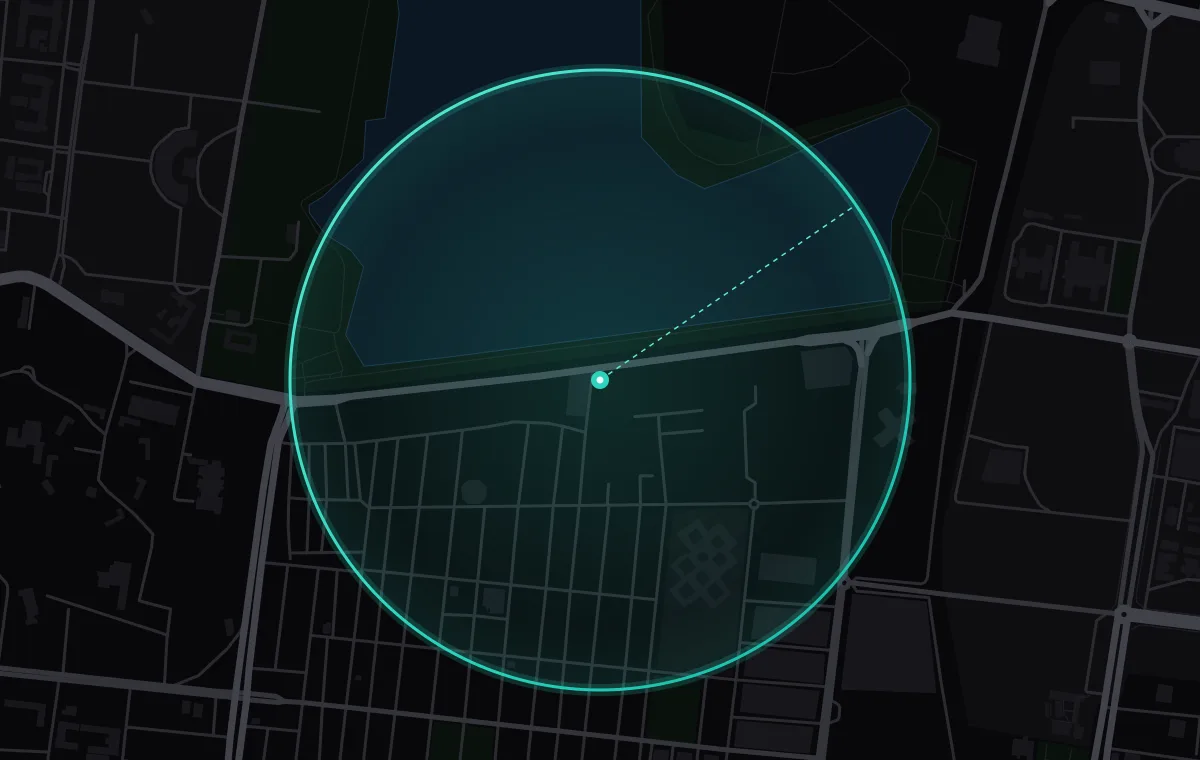
Name, logo, venue pin, a 300 m to 3 km circle, and the hours.
How rooms work
You run it on this website. Guests join in the Zenlit app at your venue.
01Before the day
You, on the website
Name, logo, venue pin, a 300 m to 3 km circle, and the hours.
Paste emails or upload a CSV. Only you see them.
Your guests, in the Zenlit app
By email and in the Zenlit app, with your name and note.
029:00 AM · At the door
Your guests, in the Zenlit app
One location check, not kept or shared. New people sign up first.
You, on the website
See who joined. Extend the room, or close it early.
03All day · During the event
Your guests, in the Zenlit app
Radar shows only your room. A hello needs an accept.
About, Announcements and Files.
Switching views doesn’t leave the room.
You, on the website
Every announcement notifies everyone who joined.
Remove anyone, any time. Reports on posts in your room come to you.
049:00 PM · When it ends
Your guests, in the Zenlit app
Everyone in the room is notified. Chats and posts stay.
You, on the website
One room at a time. Create another once this one ends.
The full list is in the rules for organisers.